
Upload and update a resume
Bring in an existing resume or CV, turn it into an editable draft, and improve it without rebuilding every section.
Free online resume builder
Start with an ATS-friendly resume template or upload your current resume and edit it online. Add your experience with guided sections, improve the writing with AI, and download a professional PDF without a watermark.
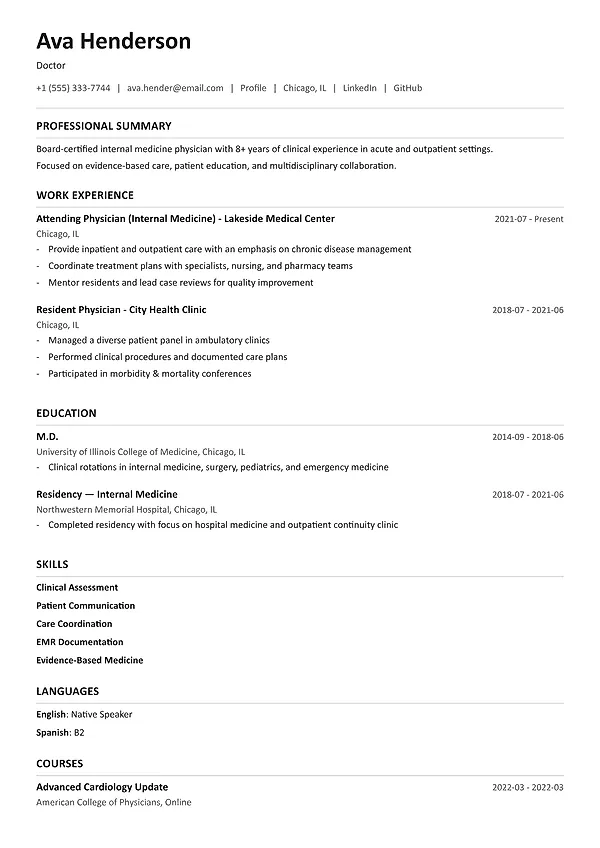
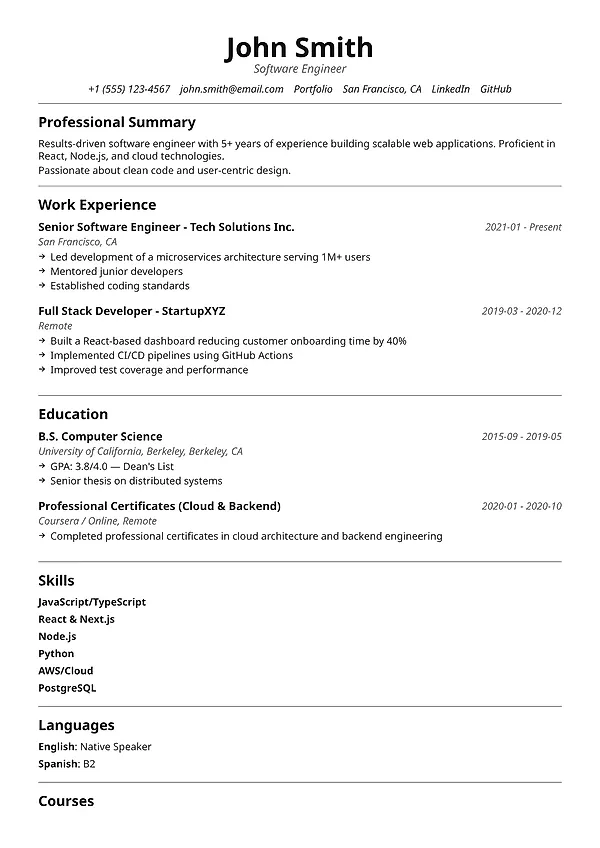
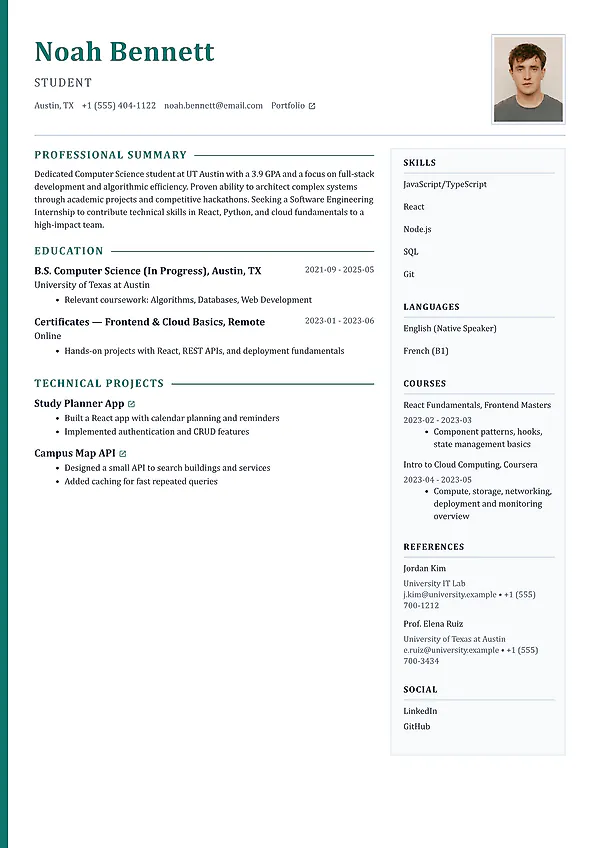
Create or upload. Start with a professional template or import the resume you already have.
Edit every detail. Use guided sections and AI suggestions while keeping control of the final wording.
Download a clean PDF. Export a professional resume or cover letter without a watermark.
Professional resume structure
A recruiter should be able to find your recent roles, skills, and strongest achievements quickly. MySuperResume handles the layout and section order so you can focus on accurate, relevant content.
Give every section a clear job: position the candidate, prove the experience, or support credibility.
Lead bullets with action and ownership, then add scope, context, and results where they are real.
Use a visual hierarchy that works for a six-second skim and a careful second read.
Keep one strong base resume, then make targeted changes for each role instead of rebuilding from zero.
Online resume builder features
Create a new document, import an existing resume, improve the content, change the design, and export the finished version from the same editor.
Bring in an existing resume or CV, turn it into an editable draft, and improve it without rebuilding every section.
Choose modern, classic, technical, executive, and creative layouts designed around readable resume content.
Build contact details, summary, experience, education, skills, projects, certifications, and more in a sensible order.
Draft or improve summaries and experience bullets using your real background and target role as context.
Adjust the visual tone and switch templates without copying content into a brand-new document.
Spot weak sections, generic language, missing details, and structural issues before you download the resume.
Invite a trusted reviewer to help find unclear claims, missing context, or details you may have overlooked.
How it works
Start with the information you already have, then improve the content and layout before you download the final PDF.
Choose a professional template for a new resume, or upload the resume or CV you already have and continue editing.
Capture roles, dates, projects, responsibilities, achievements, tools, and education before trying to polish every sentence.
Rewrite the most relevant bullets with clearer ownership, scope, decisions, and outcomes.
Compare the draft with the target job, make relevant and accurate edits, then download the finished PDF.
More career tools
Use your resume in the job matcher, cover letter builder, and interview preparation tools when you are ready for the next step.
Common questions
Learn what the tool does, how to use it, and which decisions still need your review.
Yes. You can start a resume for free, use professional layouts, and export a PDF without adding a MySuperResume watermark.
You can use your current resume as the source material for a stronger draft. Review imported content carefully, especially dates, section structure, and formatting that may not map cleanly.
For most candidates, reverse chronological is the most familiar format: recent experience first, followed by earlier roles. A combination format can help career changers, while a skills-only format should be used carefully because recruiters still want to see where and when you applied those skills.
One page is useful for students and many early-career candidates. Two pages are reasonable when the second page contains relevant evidence. The real goal is not an arbitrary length; it is a focused document with no filler.
Yes. Your content is separate from the layout, so you can compare visual directions without rewriting the resume from scratch.
Start building for free
Choose a template or upload your current resume. Edit every section online, tailor it to the role, and export a professional document when it is ready.