

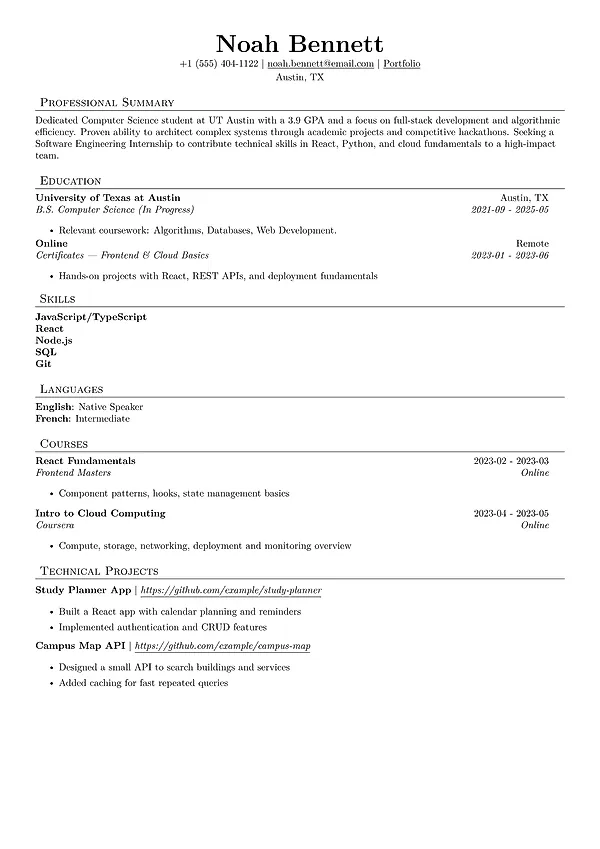


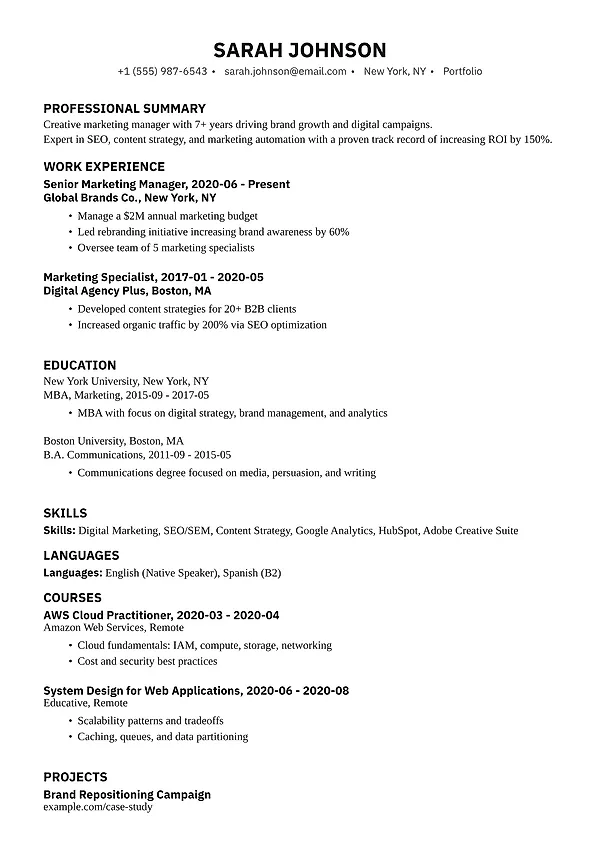
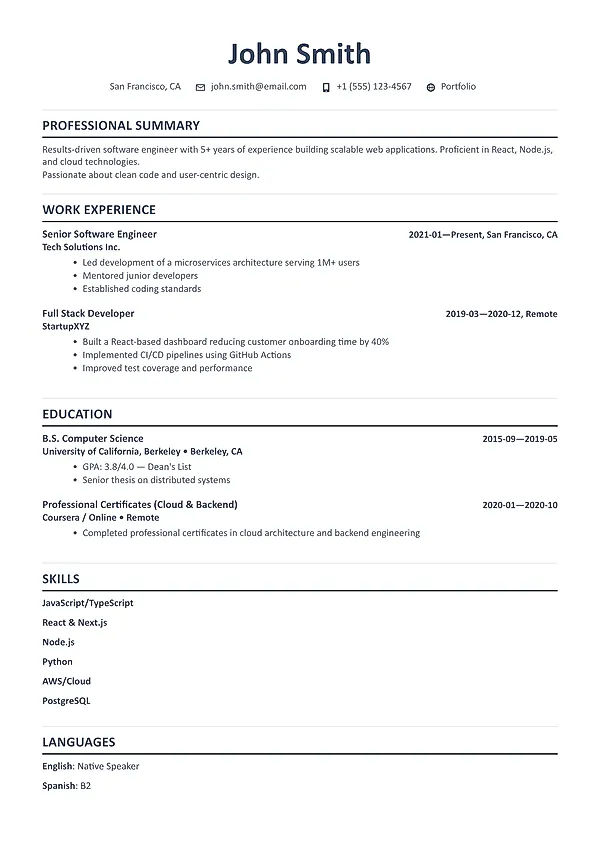
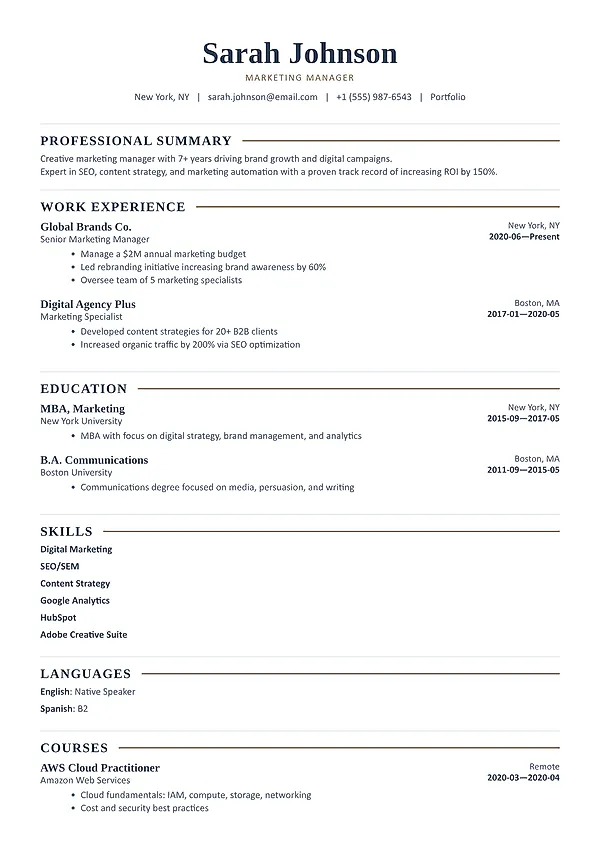

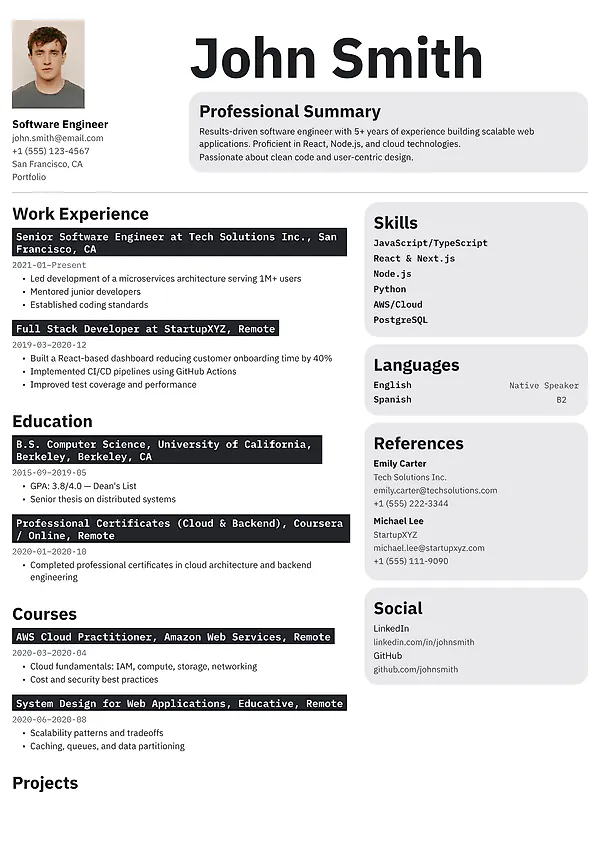


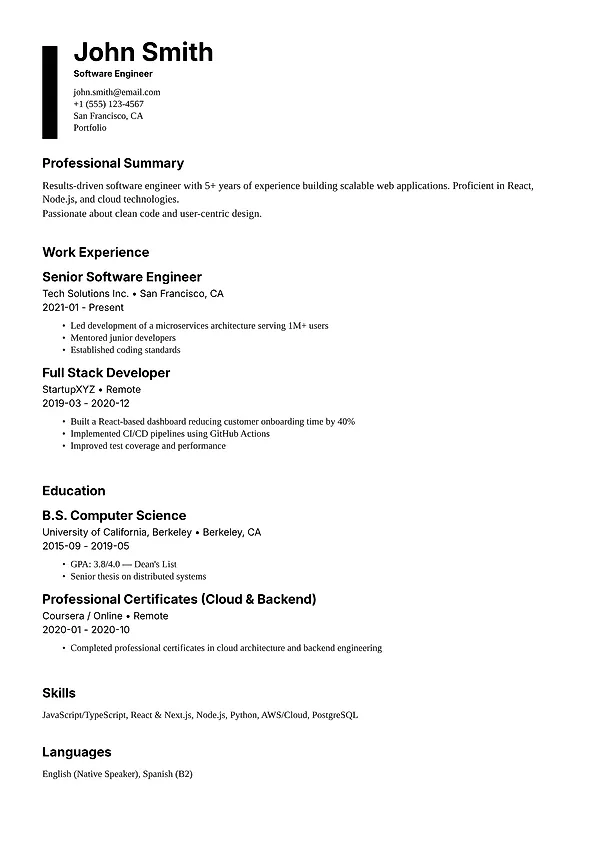

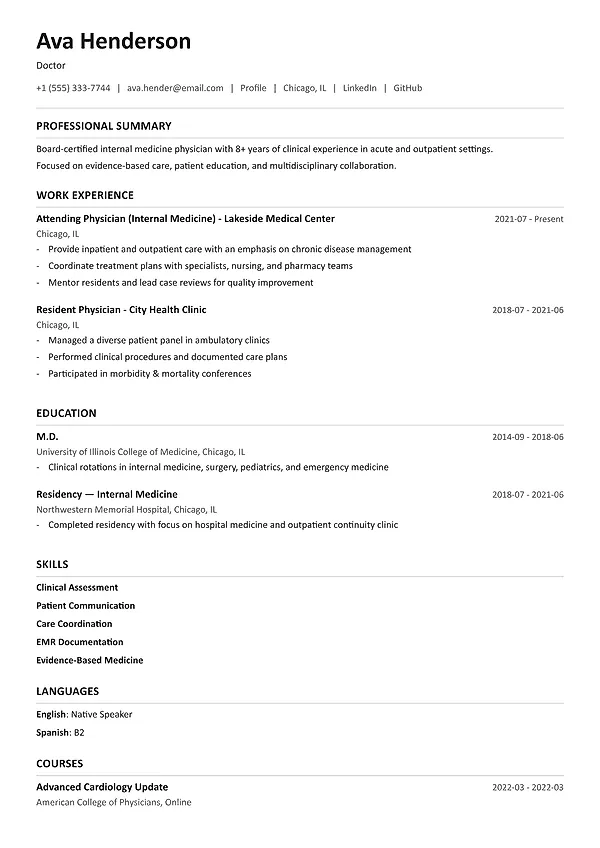


Readable hierarchy
The name, role, section headings, job titles, dates, and achievements should be easy to locate on the first scan.
32 professional layouts
Choose an ATS-friendly, modern, classic, technical, executive, or creative resume template. Add your content, customize the design, switch layouts at any time, and download a PDF without a watermark.
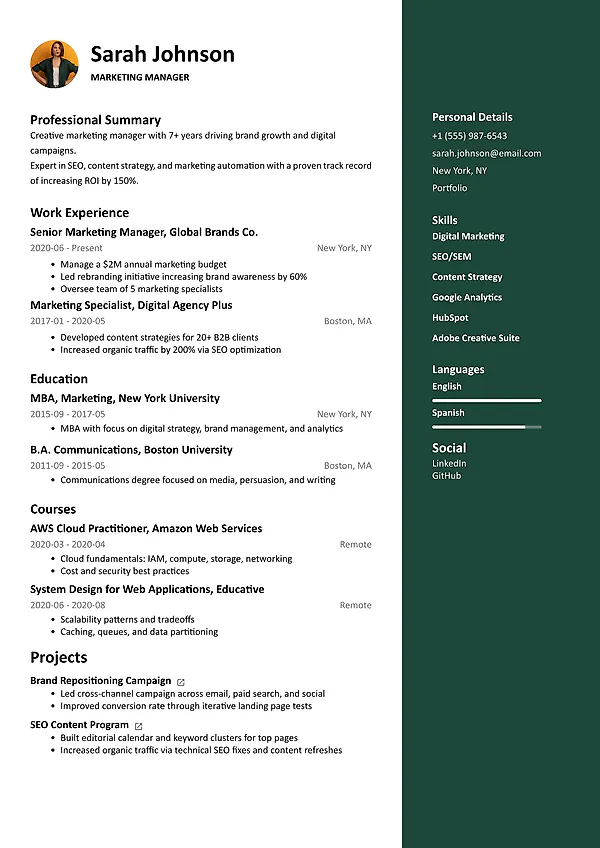
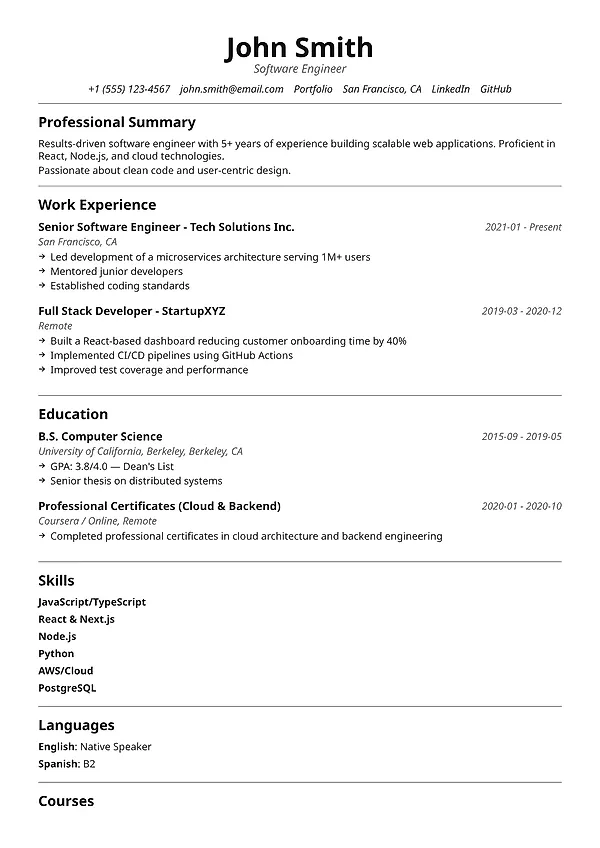
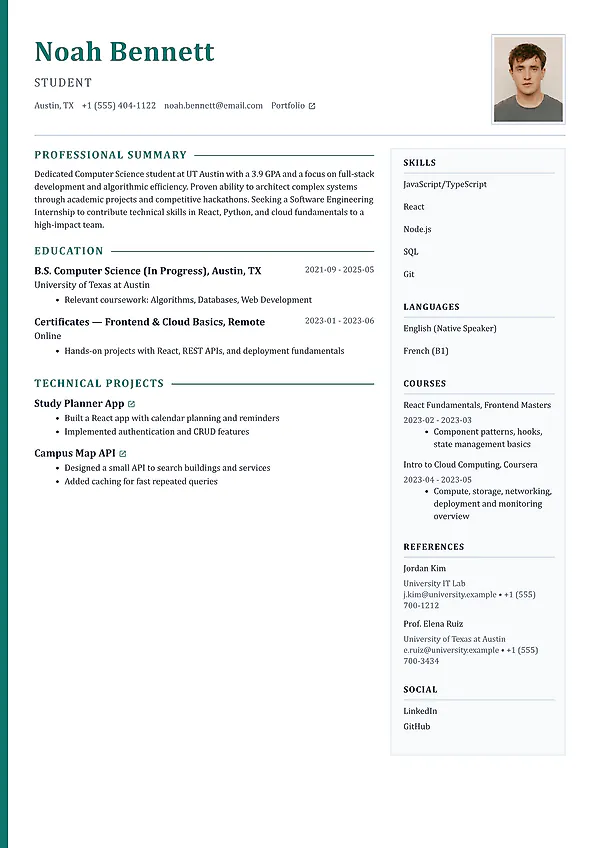
Choose for your role. Find a layout that fits your industry, experience level, and amount of content.
Keep it easy to scan. Use clear headings, readable type, and a predictable section order.
Change templates anytime. Compare designs without retyping or copying your resume content.
ATS-friendly resume design
A professional template should keep your information readable, organized, and easy to find for both recruiters and applicant tracking systems.
The name, role, section headings, job titles, dates, and achievements should be easy to locate on the first scan.
Core information stays in readable text with familiar labels and logical grouping for recruiters and screening systems.
The layout creates rhythm without pushing important evidence onto an unnecessary extra page.
Color, type, and structure support your positioning without turning the resume into a poster.
Templates for different careers
Students, technical candidates, mid-career professionals, and executives need different amounts of space and structure. Use the layout that fits your content.
Prioritize education, projects, internships, skills, and clear potential. Use one page when the evidence fits comfortably.
Give projects, tools, systems, and measurable technical contribution a predictable structure. Compact does not have to mean cramped.
Make recent scope and impact easy to scan. A second page is fine when it contains relevant evidence rather than old filler.
Use calm authority, visible outcomes, and enough space for scale, strategy, team leadership, and business impact.
Resume template questions
Compare ATS readability, industry expectations, experience level, page length, and visual style before you decide.
Choose a text-based template with familiar section labels, readable type, and clear hierarchy. A simple one-column layout is the safest option for older systems, but well-built two-column resumes can also remain readable when the content is structured carefully.
Creative templates work best when visual judgment is relevant to the role and the design does not compete with the content. For finance, legal, government, and many technical roles, a restrained professional layout is usually the stronger choice.
Yes. Your content stays separate from the design, so you can compare layouts and switch direction without retyping every section.
In the United States, United Kingdom, and several other markets, a photo is usually unnecessary and may create bias concerns. Expectations vary by country, so follow local conventions for the role and location.
Use a clear reverse-chronological or combination layout that gives relevant skills and a professional summary strong visibility while still showing where and when you built those skills.
Free to start
Open any layout in the builder, add your experience, customize the design, and download the finished resume as a professional PDF.