ATS optimization engine
See your resume the way hiring software does, then fix every issue in the same place.
Explore ATS optimizationResume builder · Cover letter builder · ATS checker
Stop guessing why you are not hearing back. Build or upload your resume, tailor it to every job with AI, and prepare your interview answers, all from your real experience.
10,000+ resumes created“Really good and ATS friendly resume templates.” Trustpilot review
Start where you are. A fresh template or the resume you already have. Nothing gets retyped.
See what is holding you back. ATS issues, missing skills, and vague bullets, explained in plain language.
Walk in ready. Practice answers built from your real projects and the job you want.
Free resume checker
Check that your PDF reads cleanly, get a candid review of your writing, or see how well your experience matches the job. Then fix it in minutes.
See your resume the way hiring software does, then fix every issue in the same place.
Explore ATS optimizationUpload your LinkedIn PDF and make sure every section comes through clearly.
Check my PDFBrutally honest, surprisingly useful. Get candid feedback and an optional score card with no personal details.
Try the free resume roastStart with your profession
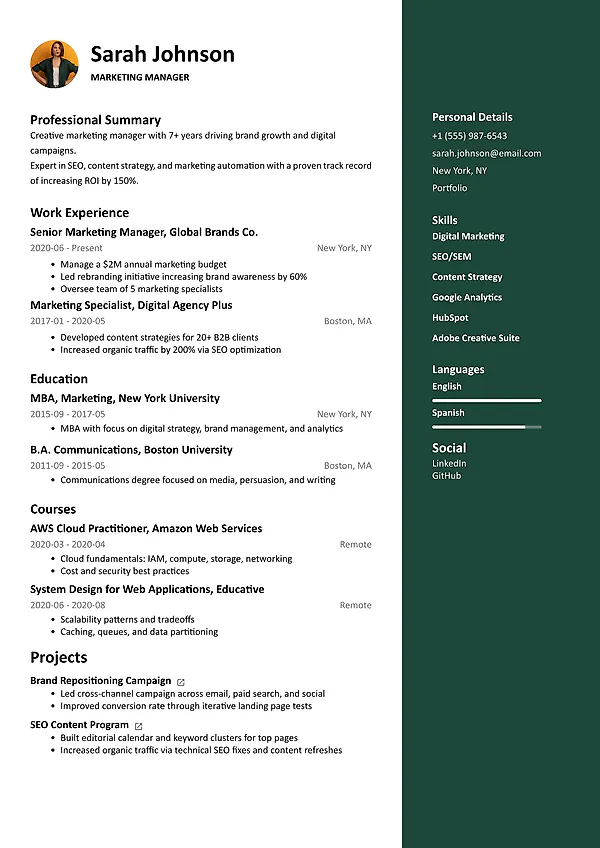
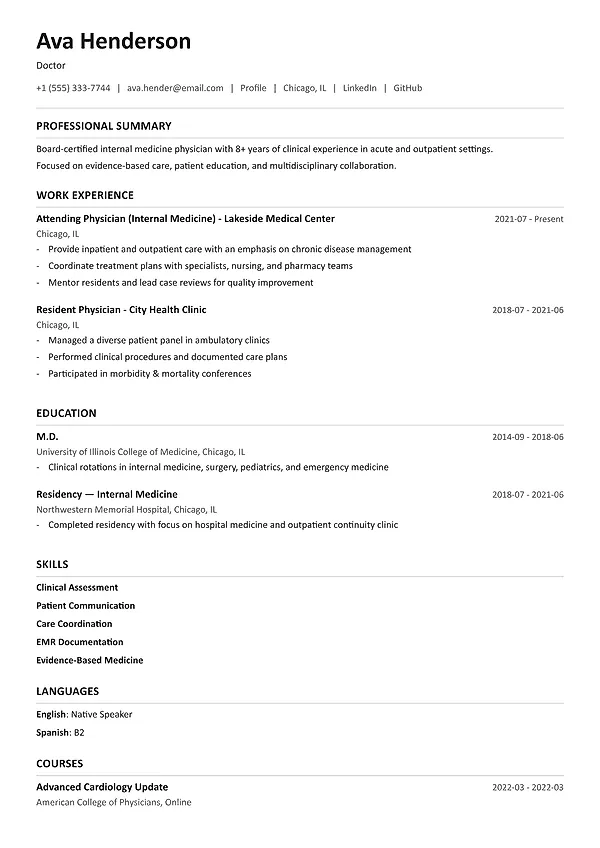
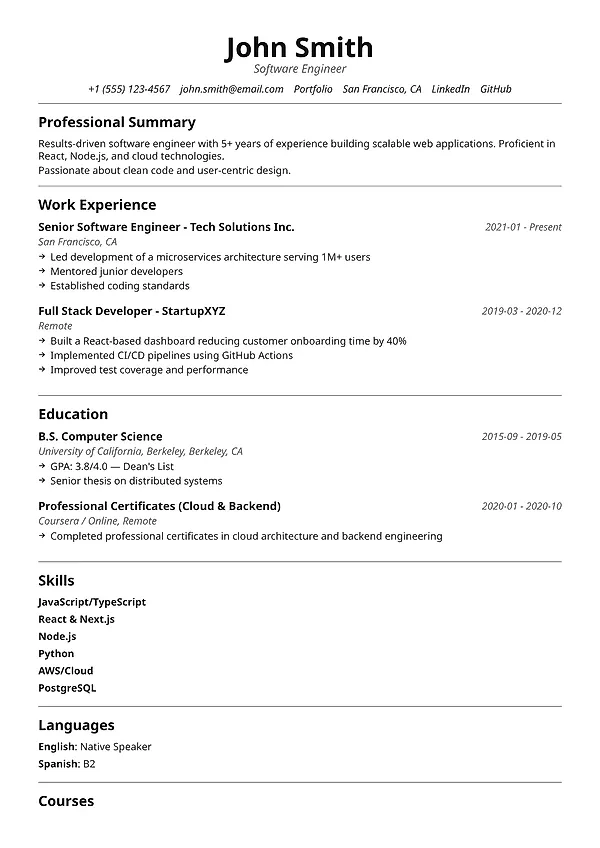
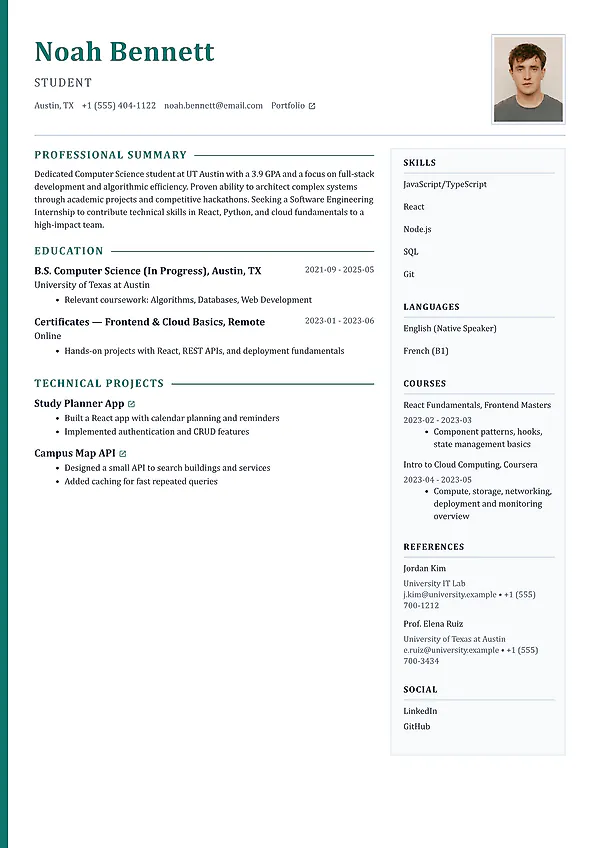
See what a strong resume looks like in your field, then swap in your own experience. Every example is fully editable.
Web Developer
A web developer resume should connect the software you built to the people who used it. Show your stack, your contribution, and evidence of performance, accessibility, or reliability improvements.
Read and edit the exampleWeb Developer resume builderNursing
A nursing CV should make your clinical setting, patient-care responsibilities, and relevant qualifications easy to find. Describe your scope of practice and teamwork with precise, confidential examples.
Read and edit the exampleNursing resume builderProduct Manager
A product manager resume should explain the customer problem, the decision you owned, and the outcome. Connect discovery, prioritisation, and delivery to evidence instead of listing meetings and tools.
Read and edit the exampleProduct Manager resume builderCreate or upload a resume
Start fresh with an ATS-friendly template and guided sections, or upload your current resume or CV and keep every word you have already written.
Free resume builder
Online resume editor
One connected application workflow
Job hunting is exhausting enough without juggling five tools. Build your resume once, then check it, tailor it to each role, write the cover letter, and prepare for interviews, all from the same story.
Build
Continue
Check
Tailor
Explain
Prepare
From resume to interview
Your resume powers job matching, rewrites, your cover letter, and interview practice. What you say in the room matches what they read on paper, and every application still fits the role.
Create or upload the resumeWrite your career story once instead of starting from scratch for every application.
Strengthen the foundationFix ATS readability, structure, vague wording, and weak achievements before you tailor.
Tailor it to the jobMap what the employer asks for to what you have really done, then sharpen the summary, skills, and top bullets.
Rehearse your answersPractice stories from the same projects, decisions, wins, setbacks, and lessons, so nothing catches you off guard.
AI resume builder
Stuck on a blank bullet point? Add your role, responsibilities, and wins. The AI resume builder drafts a professional summary and clear bullet points you can edit until they sound like you.
Write a professional summaryGet a confident opening paragraph built from your title, experience, skills, and the role you want.
Generate resume bullet pointsTurn "responsible for…" into clear bullet points that show what you did, how big it was, and what changed.
Tailor your resume to a jobUse the job description to bring your most relevant experience to the top for each application.
Share your resume for feedbackSend it to a mentor, friend, or coach and collect their comments before you hit apply.
AI resume builder vs. ChatGPT
ChatGPT can write text. It cannot format your resume, check it against a job, or hand you a finished PDF. MySuperResume puts AI inside the builder, so writing, editing, checking, and downloading happen in one place.
ChatGPT
MySuperResume AI resume builder
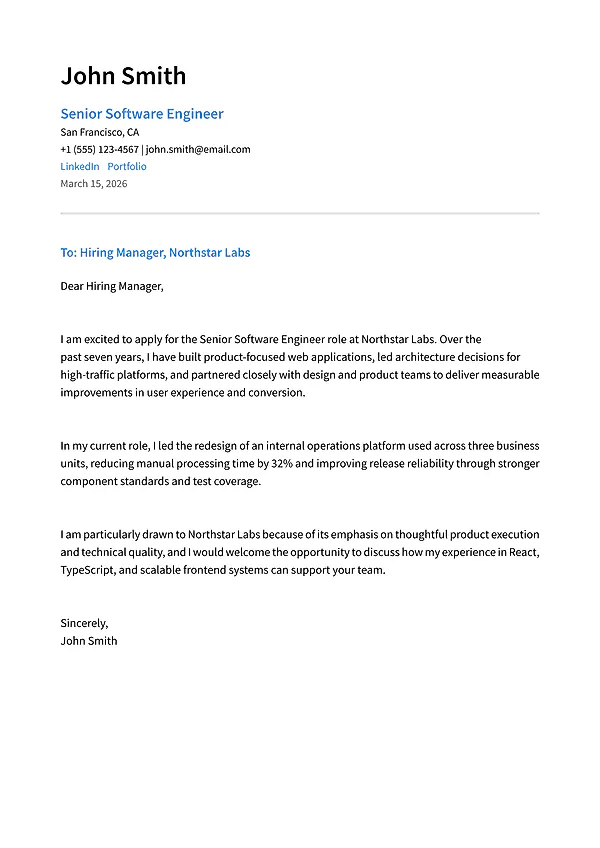
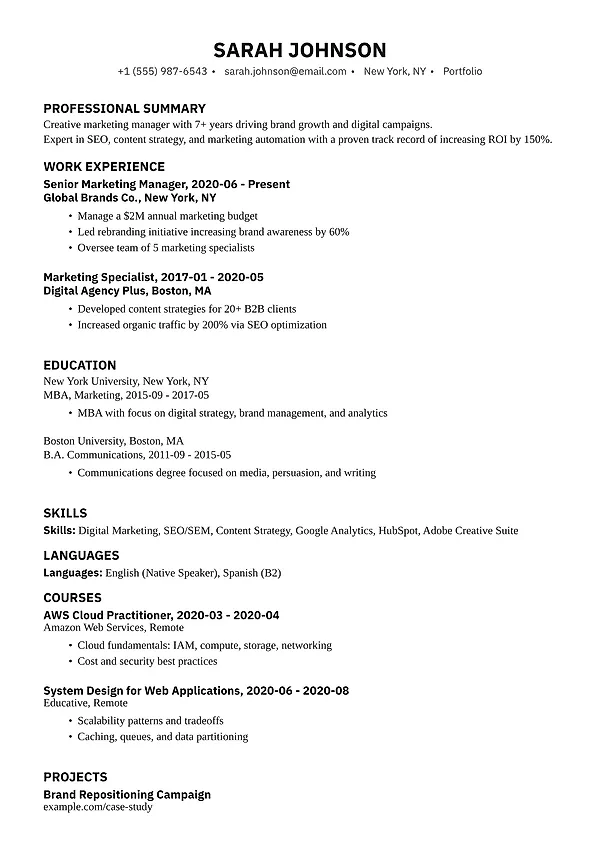
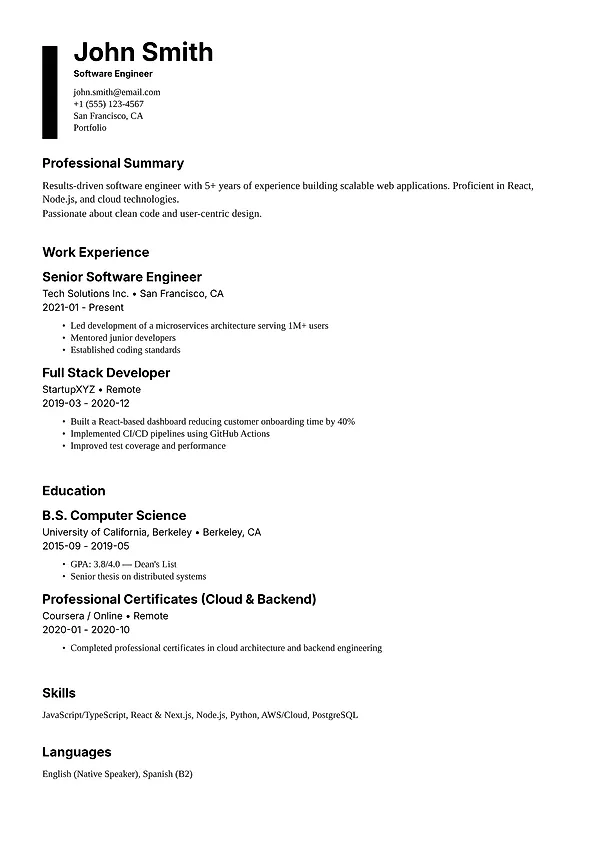
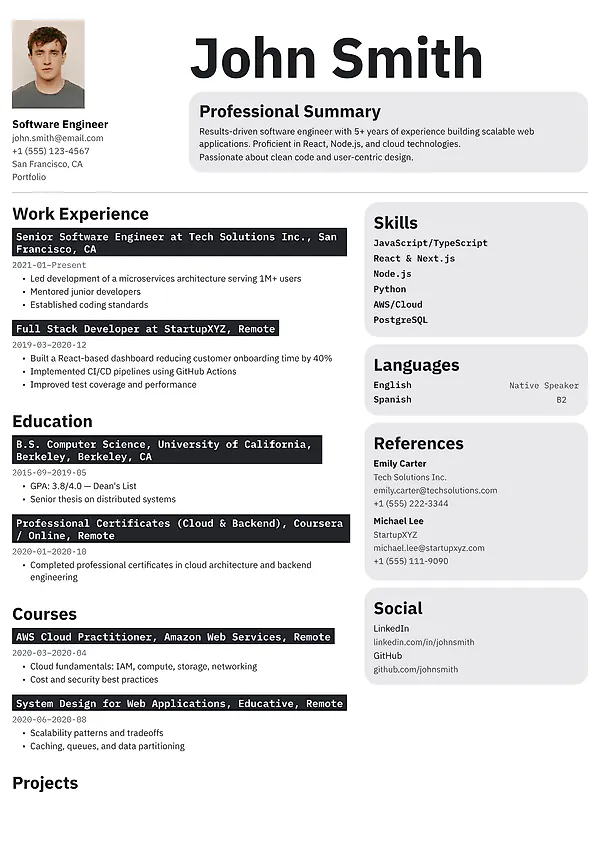
Professional resume templates
Look polished without fighting the formatting. Browse modern, classic, technical, executive, and creative designs, and switch anytime without retyping a word.
ATS-aware structureReadable headings, text-based layouts, and sensible hierarchy.
Flexible visual styleProfessional, modern, classic, executive, and creative options.
Content stays portableSwitch the design without rewriting the resume from scratch.
Resume compatibility and skills match
Compare your full resume with the full posting. A useful match shows which requirements you clearly meet, where you have the experience but describe it differently, where the proof is too weak to notice, and what is genuinely missing.
Confirm which required skills and responsibilities are supported by your work, projects, or education.
Separate different wording from genuinely missing experience or qualifications.
Strengthen weak evidence with accurate context, ownership, scale, actions, and results.
Use the same requirement map to focus the cover letter and prepare likely interview questions.
Resume and career guides
Clear guides on resume writing, ATS formatting, tailoring to a job, cover letters, and interview preparation. Read one, apply it the same day.
Resume strategy
ATS & tailoring
Cover letters
Direct answers for job seekers
Learn how to start immediately, edit an existing CV, compare it with a job description, find missing skills, make credible updates, and prepare answers from your real experience.
MySuperResume is a free-to-start AI resume builder, CV maker, and cover letter builder. Create or upload a resume, check it for ATS issues, compare it with a job description, write a matching cover letter, and prepare interview answers, all in one place and based on your real experience. More than 10,000 resumes have been created with MySuperResume.
Most resume builders stop at the document. MySuperResume covers the whole application: build or upload a resume, check it for ATS issues, match it to a specific job description, write a matching cover letter, and prepare interview answers from the same resume. AI suggestions are based only on the experience you provide, and the free templates come with unlimited, watermark-free downloads.
Yes. Open the builder, choose a resume or CV template, and start adding your information. You can also upload an existing document instead of creating one from zero.
Yes. Upload your current resume or CV, verify the imported dates, roles, sections, and skills, then edit the structured content, change templates, and create an updated version.
Add your resume and paste the complete job description. MySuperResume compares skills, terminology, responsibilities, and supporting evidence so you can see what already matches, what is difficult to find, and what is genuinely missing.
Use the job match report to separate three different problems: terminology that is absent, relevant experience that is buried or weakly explained, and qualifications you do not have. Add a term only when your real experience supports it.
Yes. After reviewing the comparison, update the summary, skills, and most relevant experience bullets in the resume builder. Prioritize a small number of credible changes instead of copying or repeating the job description.
Yes. Use both documents to generate role-specific questions and identify examples from your projects, decisions, achievements, setbacks, and lessons. Practice the facts and structure rather than memorizing a script.
It should not. MySuperResume is designed to clarify and tailor the experience you provide, not manufacture qualifications. Review every suggestion, reject unsupported statements, and use metrics only when you can verify them.
Yes, it is free. Create or upload a resume, edit it, and use the core tools without paying. Some advanced features may be paid, and you always see the price before you buy.
Free to start
Use the free AI resume builder to create a new resume or upgrade the one you have. Check it, tailor it to the job, and walk into the interview prepared.